Introduction
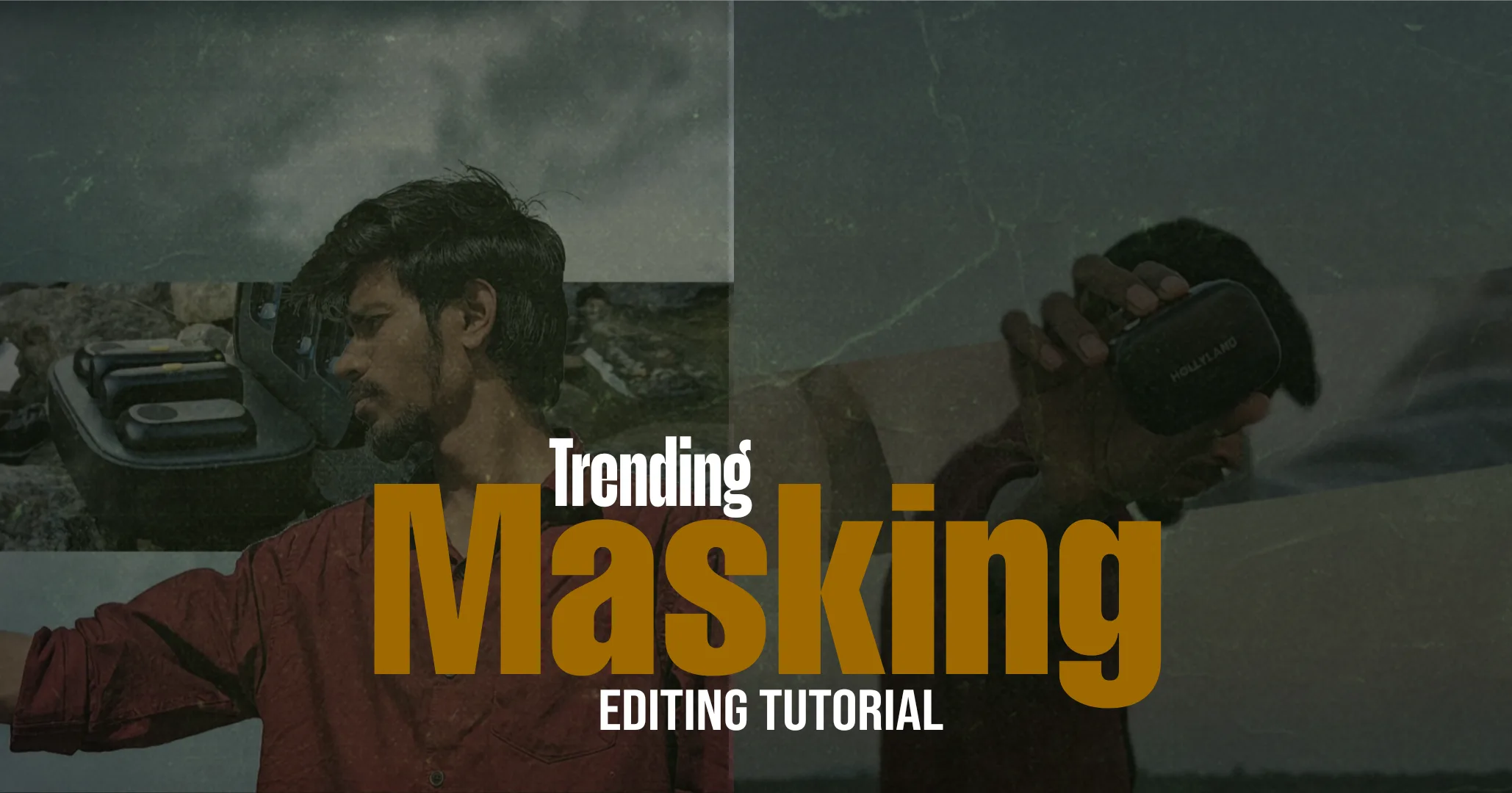
CapCut Masking Glowing Cutout Editing
In today’s digital economy, creative skills have become a powerful source of online income. Video editing, especially short-form content creation for platforms like Instagram Reels and YouTube Shorts, is now considered a high-value digital skill. Among all editing styles, masking with glowing cutout effects is one of the most in-demand and high-engagement formats.
This article explains how to create Instagram trending masking and glowing cutout edits using CapCut, step by step. Along with the technical process, this guide also highlights why mastering this editing skill can increase monetization opportunities, freelancing income, and long-term digital career growth.
Why Masking and Glowing Cutout Editing Is a High-Value Skill
Masking edits are no longer just a creative trend. They are part of a larger creator economy, where visually engaging content directly impacts:
Brand collaborations
Influencer marketing revenue
Freelancing opportunities
Social media monetization
High-engagement reels attract businesses, advertisers, and brands that invest heavily in digital marketing budgets, making this skill valuable and scalable.
What Is Masking in CapCut Video Editing?
Masking is an advanced video editing technique that allows selective visibility of a video layer. In CapCut, masking is used to:
Isolate the subject from the background
Apply effects only to the subject
Increase visual focus and retention
Create premium, professional-looking edits
When masking is combined with glow effects and animation, it produces a high-engagement visual style that performs well with advertising algorithms and audience retention metrics.
Tools Required to Create This Edit
This editing process requires minimal investment:
CapCut mobile app
Smartphone with decent camera
Beat-based audio
Low investment with high earning potential makes this skill attractive for beginners entering online income streams.
Step 1: Import Video and Set Project Format
Open CapCut and create a new project. Import a high-quality video clip.
Set the aspect ratio to 9:16 vertical, which is optimized for Instagram Reels and short-form monetized platforms.
High-resolution footage improves both visual quality and brand appeal.
Step 2: Duplicate the Video Layer
Duplicate the main video clip and place it above the original.
Bottom layer: background
Top layer: subject masking
Layer separation is the foundation of professional video workflows used in commercial content production.
Step 3: Apply Mask to the Subject Layer
Select the top layer and open the Mask option.
Choose a rectangle or custom mask
Resize the mask to cover the subject
Keep edges smooth and balanced
Clean masking improves content quality, which is crucial for brand-safe advertising environments.
Step 4: Refine Mask Edges for Premium Output
Use feathering and precise alignment to remove harsh edges.
Premium brands and advertisers prefer visually clean content. Rough masking can reduce perceived content value.
Step 5: Animate Mask Using Keyframes
Add keyframes to follow subject movement:
Add keyframe at the start
Adjust mask position frame by frame
Maintain consistent subject coverage
This technique is widely used in professional commercial video editing.
Step 6: Apply Glowing Cutout Effect
Select the masked layer and apply a glow effect.
Use moderate intensity
Increase size slightly for outline effect
Keep glow soft and controlled
Balanced glow effects improve visual engagement without affecting ad-friendly aesthetics.
Step 7: Choose Monetization-Friendly Glow Colors
Avoid aggressive neon tones. Instead, use:
White
Soft blue
Warm yellow
Subtle orange
These colors align well with brand-safe visual standards used in digital advertising.
Step 8: Adjust Opacity and Blending
Lower opacity to merge the glow naturally with the subject.
Subtle blending increases watch time and reduces viewer fatigue, improving algorithm performance.
Step 9: Optimize Background for Visual Focus
Edit the background layer:
Reduce brightness
Add slight blur
Lower saturation
This creates depth and improves the subject’s prominence, increasing engagement metrics.
Step 10: Sync Visuals With Music Beats
Add trending or beat-based audio.
Place markers on beat drops
Sync glow appearance with beats
Keep transitions smooth
Beat synchronization increases replay rate, a key factor in platform monetization.
Step 11: Add Subtle Motion for Cinematic Appeal
Apply slow scale or movement animations.
Minimal motion creates a cinematic feel while maintaining professional content standards required for advertisers.

Step 12: Apply Basic Color Grading
Adjust:
Contrast
Highlights
Shadows
Balanced color grading enhances brand value and perceived production quality.
Step 13: Trim for Retention Optimization
Keep the final video short:
Ideal length: 5–8 seconds
No unnecessary frames
Short, impactful content performs better in ad-supported ecosystems.
Step 14: Export Using High-Quality Settings
Recommended export settings:
Resolution: 1080p
Frame rate: 60fps
Bitrate: High
High-quality exports preserve clarity after social media compression.
How This Skill Generates Online Income
Mastering CapCut masking edits opens multiple income paths:
Freelance video editing services
Instagram page monetization
Brand collaboration opportunities
Digital product creation
Content marketing contracts
Video editors are in demand across industries like marketing, finance, insurance, education, and e-commerce, where advertisers spend high budgets.
Conclusion
Masking and glowing cutout editing in CapCut is not just a creative trend; it is a high-income digital skill. With minimal tools and proper technique, professional-grade edits can be created directly on a mobile device.
By mastering this step-by-step process, content creators and editors can build visually powerful reels, improve engagement, and unlock long-term monetization opportunities in the digital economy.
CapCut Masking Glowing Cutout Editing CapCut Masking Glowing Cutout Editing CapCut Masking Glowing Cutout Editing CapCut Masking Glowing Cutout Editing CapCut Masking Glowing Cutout Editing CapCut Masking Glowing Cutout Editing CapCut Masking Glowing Cutout Editing