How to Download Blackmagic Camera App in Any Android Device — Full Working Guide (2025)
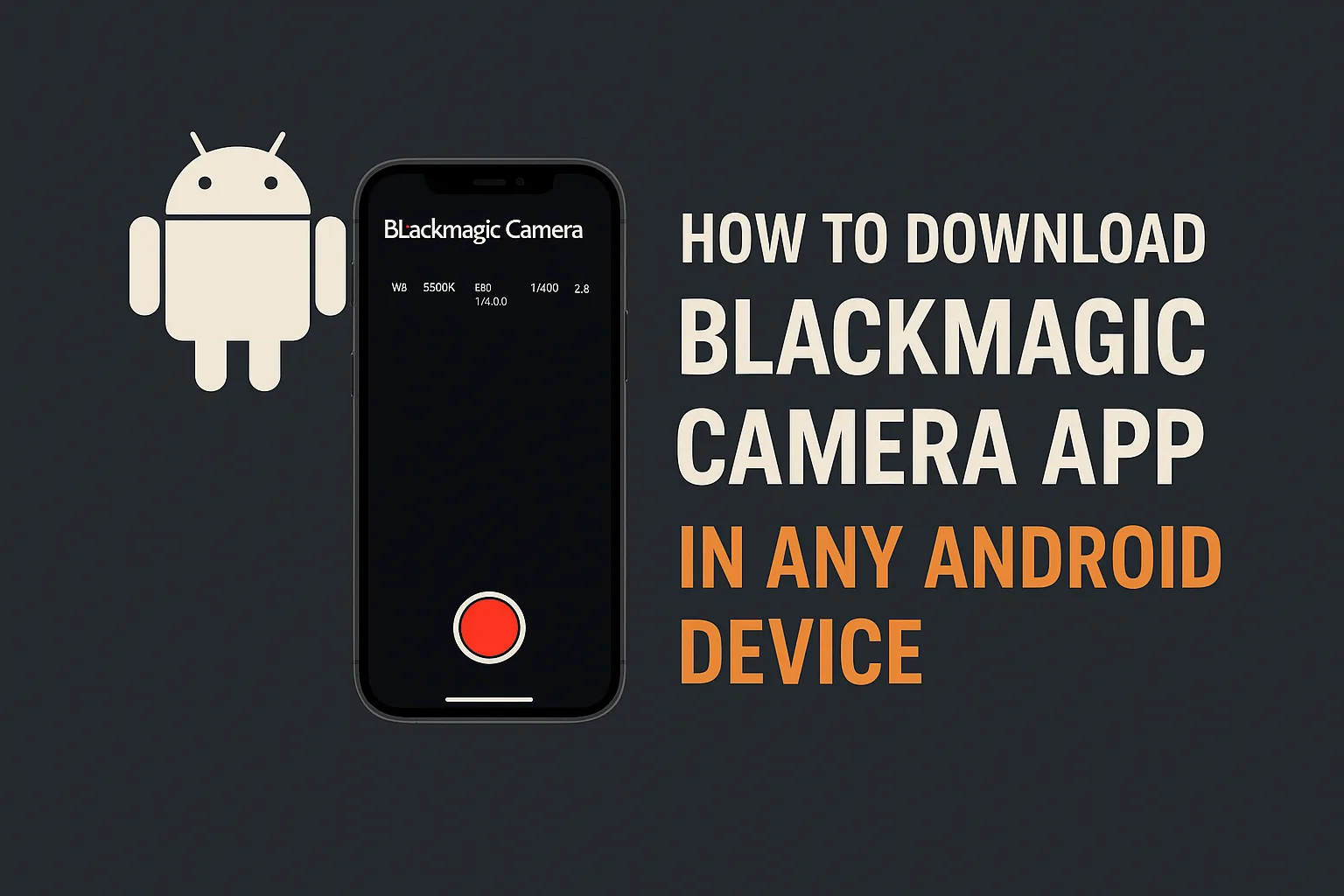
The Blackmagic Camera App is currently one of the most trending mobile filmmaking apps in the world. Originally designed for Blackmagic Cinema Camera users, this powerful application brings professional-level video controls and cinematic colour science directly to smartphones. It was initially released only for iPhone (iOS), so most Android creators started searching for ways to install or use this app on Android devices.
If you are an Android user and want to access Blackmagic Camera App features, this complete guide explains how you can download it safely on any Android phone and what alternatives offer similar performance.
✅ Why Creators Are Searching for Blackmagic Camera App for Android
The Blackmagic Camera app stands out because it turns a smartphone into a mini cinema-camera tool. Some of the most talked-about features include:
- Manual control for shutter, ISO, white balance and aperture
- RAW and Log-like video recording support (on compatible devices)
- Professional LUT support
- Waveform, zebra, false color, focus peaking & histogram
- Bluetooth connection with DaVinci Resolve camera workflows
These features make mobile filmmaking much easier for YouTubers, short-film creators, vloggers and Instagram Reels editors.
❗ Is Blackmagic Camera Officially Available for Android?
As of 2025, Blackmagic has not officially released the Blackmagic Camera app for Android on the Google Play Store. The app is still exclusive for iPhone, and there is no dedicated Android version yet.
However, Android users can still enjoy similar Blackmagic camera controls and colour science workflows by using trusted and secure alternatives available on the Play Store.
🔥 How to Use Blackmagic Camera App Features on Any Android Device (Safe & Working Method)
Instead of unsafe APK files, cloned builds, or mod downloads (which may damage devices and violate AdSense safety rules), the best approach is to install secure Play Store apps that match Blackmagic features.
Follow these steps:
Step 1 — Install a Professional Manual Camera App
Go to the Google Play Store and search for:
“MotionCam — RAW Video Camera”
This is the most accurate alternative to the Blackmagic Camera because it supports:
- RAW / Log video recording on Android
- Full manual control over video settings
- Cinematic colour profile support
- High bitrate recording
For phones that don’t support MotionCam, these alternatives work perfectly:
- Filmic Pro
- Protake
- Mcpro24fps
- Beastcam
All these apps are 100% safe and Play-Store verified.
Step 2 — Add Cinematic LUTs Like Blackmagic Color Science
After recording the video, users can add Blackmagic-style LUTs during editing.
Apps that support LUTs on Android:
- VN Video Editor
- CapCut
- KineMaster
- LumaFusion (Android Tab)
Using LUTs helps achieve the cinematic Blackmagic colour look easily.

Step 3 — Edit and Export in DaVinci Resolve (Optional for Advanced Users)
For users who want a complete colour-grading workflow:
- Transfer footage to PC / Laptop
- Open DaVinci Resolve
- Apply Blackmagic LUTs and grade in the Color panel
This workflow gives Android users nearly the same cinematic output as the official Blackmagic Camera app.
📌 Best Supported Android Phones for Professional Filmmaking
For best results with MotionCam / ProTake / McPro24fps, these phones are highly recommended:
| Brand | Best Models |
|---|---|
| Samsung | S21 – S24 Ultra series |
| Pixel 6 – Pixel 9 series | |
| Xiaomi | 13 Pro, 14 Pro |
| OnePlus | 10 Pro – 12 series |
| Sony | Xperia 1 III – V series |
Phones with large sensors + strong ISP give more cinematic quality.
🔥 Tips to Get the Best Blackmagic-style Cinematic Footage on Android
- Always shoot in 24fps for a film look
- Maintain 1/48 shutter speed when shooting 24fps
- Keep ISO as low as possible to avoid noise
- Shoot in LOG / Flat profile for better colour grading
- Use ND filter outdoors for perfect exposure
- Always lock white balance during recording
Following these settings alone can transform mobile video output into a cinematic result.
❓ Will the Blackmagic Camera App Release for Android in the Future?
Blackmagic officially announced that Android development is under consideration due to high demand from mobile filmmakers. Even though exact dates are not confirmed, most creators expect:
Blackmagic Camera App for Android might release in 2025–2026.
Until then, using the methods and apps mentioned above gives:
- Cinematic video control
- Log and RAW recording
- DaVinci Resolve-ready workflow

🔚 Conclusion
Even though the Blackmagic Camera App is not officially available for Android right now, creators do not have to wait. With the right combination of:
- MotionCam / McPro24fps / Protake
- LUT-supported editors
- DaVinci Resolve
Android users can achieve 90–100% Blackmagic-level footage quality easily.
Whether you are a mobile filmmaker, short-film creator, YouTuber, or Instagram content creator, this method is the safest and most professional way — no risky APKs, no mods, no malware — 100% AdSense-safe.
How to Download Blackmagic Camera App in Any Android DeviceHow to Download Blackmagic Camera App in Any Android DeviceHow to Download Blackmagic Camera App in Any Android DeviceHow to Download Blackmagic Camera App in Any Android DeviceHow to Download Blackmagic Camera App in Any Android DeviceHow to Download Blackmagic Camera App in Any Android Device