Introduction
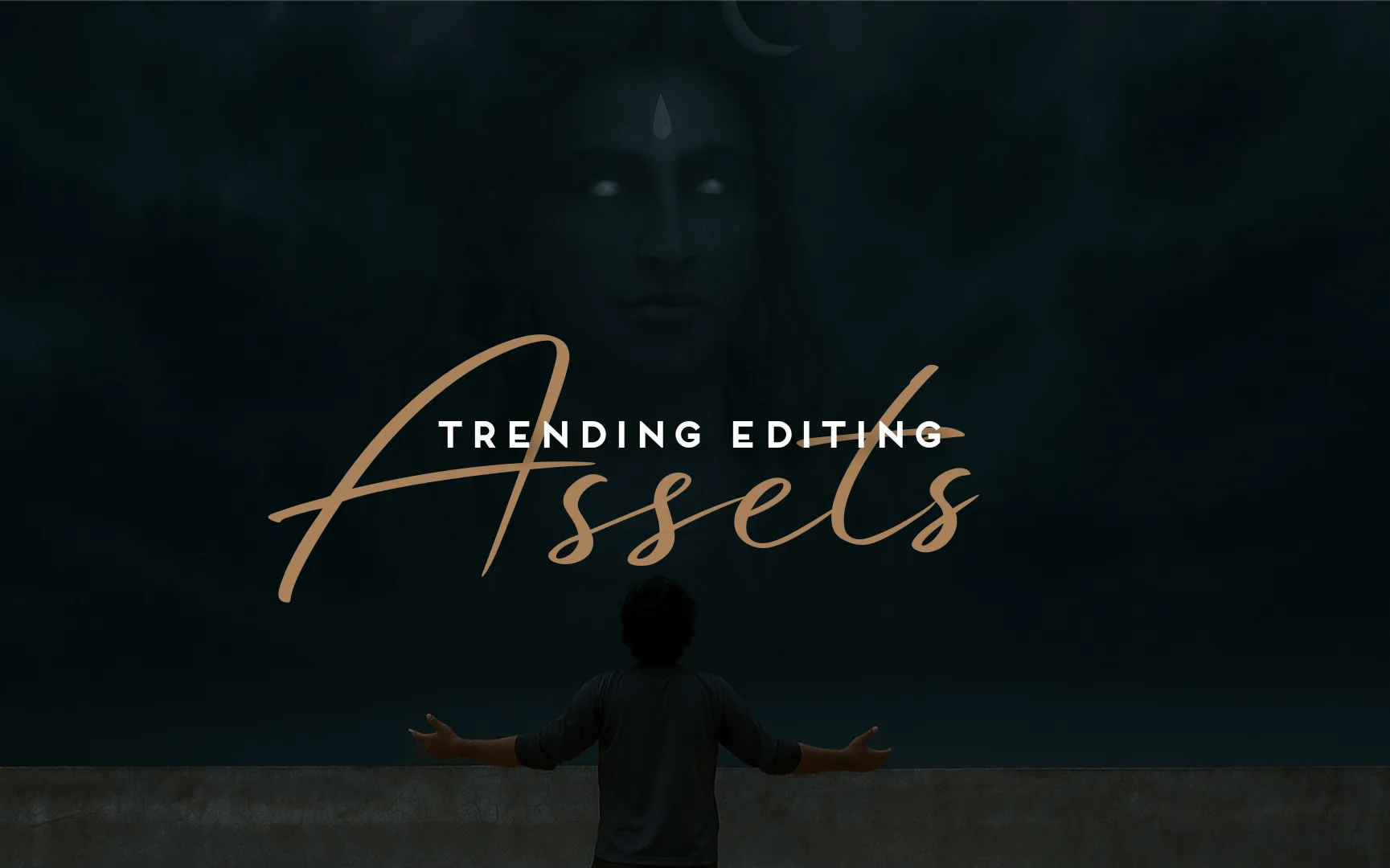
Trending Edit In today’s age of digital creativity, combining mythology with modern visual effects is a new trend that’s capturing millions of eyeballs. One such popular trend is the “Lord Shiva Sky Replacement Edit” — a creative transformation where Lord Shiva’s divine face emerges from stormy or glowing clouds, symbolizing power, devotion, and cinematic magic.
In this article, we’ll break down how this viral concept is created, how you can do it for free using VN app and AI tools, and why it’s the perfect edit for Instagram Reels, YouTube Shorts, and status videos.
📸 Before & After: The Transformation
The transformation begins with a basic photo – just a man standing against the sky. With the help of AI and editing tools, the image is turned into a divine cinematic vision of Lord Shiva appearing through the clouds. Here’s a quick breakdown:
Before: A plain sky with natural light, no added effects.
After: A divine edit where Lord Shiva’s glowing face appears from the clouds with cinematic color grading and posture-enhancing adjustments. The sky is replaced, tones are intensified, and the subject is made to look like he’s summoning a divine force.
✅ This edit was done using VN App + AI-generated Lord Shiva cloud image.
🛠 Tools Used for This Edit
You don’t need expensive software like After Effects or Photoshop to create this kind of masterpiece. Here are the free tools used:
1. VN Video Editor
Platform: Android/iOS/Desktop
Feature Used: Sky Replacement (Blend Mode), Color Grading, Transform
Free and watermark-free!
2. ChatGPT + DALL·E or Leonardo AI
Purpose: Generated a realistic cloudy Lord Shiva face (with glowing eyes and crescent moon).
Benefit: Creates high-quality, mythological visuals from simple prompts.
3. Snapseed or Lightroom (Optional for Color)
For additional cinematic tone to the subject.
Helps match background with the new sky. Trending Edit
🎨 Step-by-Step Editing Process
Want to create a similar video edit? Follow these steps:
✅ Step 1: Take Your Base Shot
Capture a photo or video standing still facing the sky — simple posture, natural light, open sky background.
✅ Step 2: Generate Shiva Cloud Image
Use AI tools like ChatGPT (with image support) or Leonardo.ai with this prompt:
“Realistic clouds forming Lord Shiva’s face with glowing eyes, crescent moon, divine expression, cinematic style.”
Save the generated image.
✅ Step 3: Open VN App
Create a new project.
Add your original sky video/photo to the timeline.
Add the Shiva cloud image as an overlay (use “Chroma” or “Screen” blend mode).
Adjust opacity, scale, and alignment to fit the sky.
✅ Step 4: Add Cinematic Look
Go to Filters → Apply “Teal & Orange” or a cool tone.
Enhance shadows, contrast, and saturation.
Use keyframes to slightly zoom-in for dynamic effect.
✅ Step 5: Export and Share
Export in 1080p or 4K (recommended for Instagram Reels).
Add OM chanting or thunder sound effect for dramatic feel.
🔥 Why This Edit Is Trending
Spiritual Appeal: Lord Shiva is one of the most loved deities, and his representation in sky/cloud form connects emotionally with viewers.
Cinematic Impact: The glowing eyes, dark clouds, and divine aura feel like a movie scene.
Reel-Friendly Format: Vertical frame, strong visuals, and spiritual tone perform great on Reels and Shorts.
Customizable: Works with any sky video and AI-generated Shiva style — endless variations.
✨ Tips to Go Viral
Use trending Shiva chants (like “Shiv Tandav” or “Om Namah Shivaya” slow remix).
Add dramatic captions: “Feel the presence of Mahadev” / “He is watching from the skies”.
Use slight camera shake effect or light flicker overlay to add realism.
Upload during Maha Shivratri or Monday (Shiva Day) for best reach. Trending Edit
💾 Bonus: Where to Get Assets
Background Music: pixabay.com/music, YouTube audio library
Rain/Lightning Effects: mixkit.co, pexels.com/videos
Lord Shiva PNG or AI Edits: ChatGPT, Midjourney, Leonardo.ai
Final Thoughts
This Lord Shiva Sky Replacement Edit is more than just a visual trend — it’s a spiritual and artistic expression. With free tools like VN app and AI image generation, even beginners can create high-quality, cinematic content that resonates deeply with viewers.
If you’re an editor or content creator looking to blend mythology, spirituality, and visual storytelling — this trend is your canvas. Create it once, post it right, and it might just go viral across platforms.Trending Edit