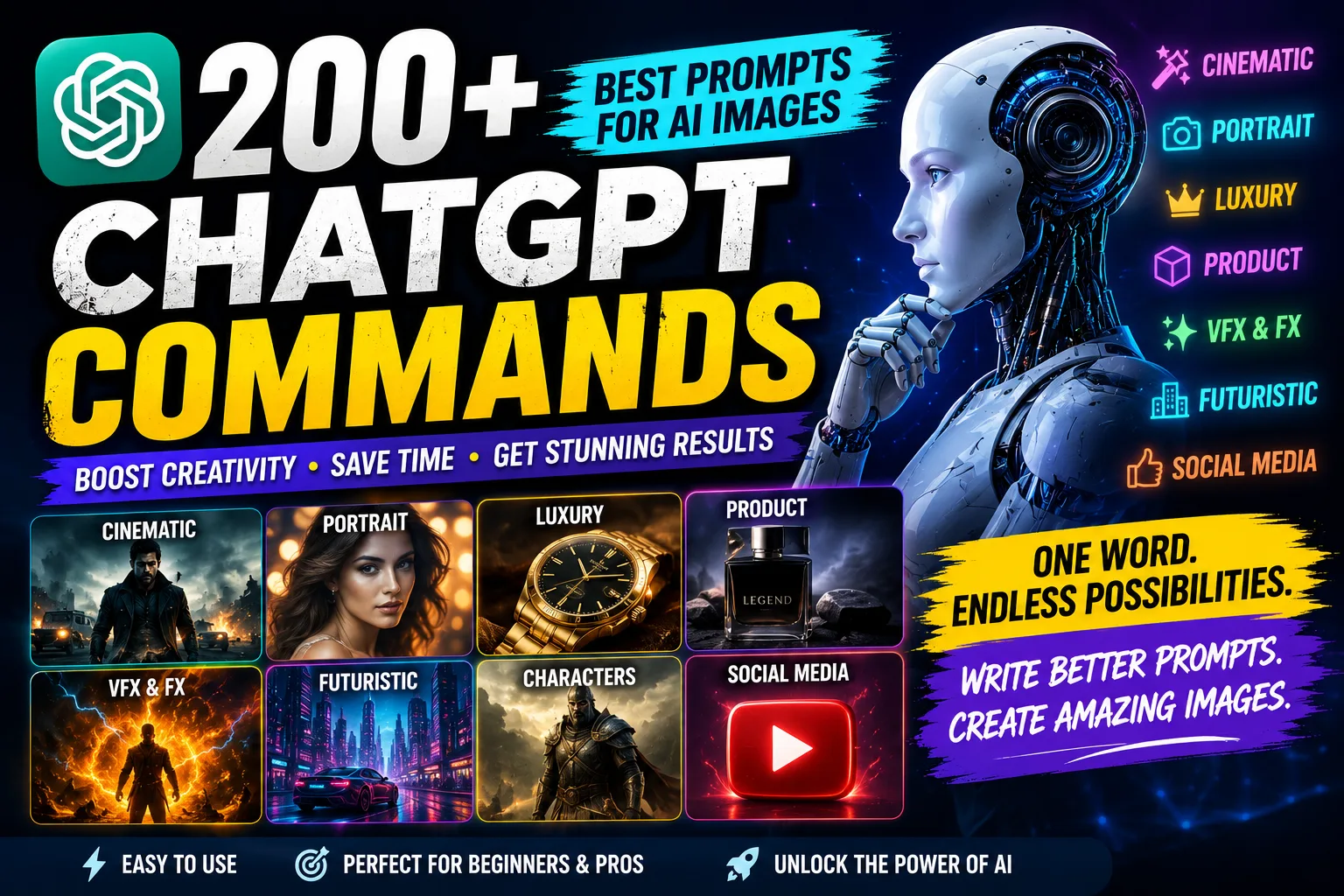
Artificial intelligence has completely changed the way people create images. A few years ago, creating a cinematic poster, luxury advertisement, fantasy scene, or professional portrait usually required advanced Photoshop skills and hours of editing. Today, AI tools such as ChatGPT can help users create impressive visual concepts simply by describing what they want.
Recently, ChatGPT commands and AI image prompts have become especially popular on Instagram, TikTok, YouTube, and other social media platforms. Many creators are sharing lists of short commands that can be added to an image prompt to influence the overall style, mood, composition, or visual direction of an AI-generated image.
If you have been searching for the best ChatGPT commands for AI images, you are in the right place.
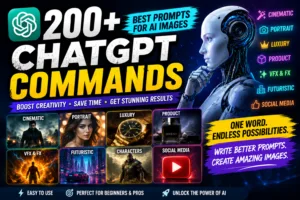
In this article, we have organized more than 200 creative commands covering cinematic photography, fashion, luxury, advertisements, VFX, futuristic cities, characters, sports, cars, food, science fiction, fantasy, digital art, social media designs, and transformation effects.
These commands can be used as creative building blocks when writing prompts for AI image generation.
What Are ChatGPT Commands for AI Images?
The term “ChatGPT commands” is commonly used online to describe short prompt keywords or style instructions that can be added to an AI image prompt.
For example, a basic prompt might describe a person standing in a city.
By adding terms such as:
/cinematic
/neoncity
/rimlight
/dramatic
the visual direction can become much more specific.
The uploaded command collection includes many such style-oriented keywords, including cinematic styles such as /cinematic, /blockbuster, /hollywood, /noir, /thriller, /actionshot, /dramatic, /epic, and /filmstill.
It is important to understand that these are best treated as prompt shortcuts or creative instructions rather than official ChatGPT commands. Their effectiveness can vary depending on the AI image model, the rest of the prompt, and the context in which they are used.
Why Are AI Image Commands Trending on Social Media?
AI-generated images have become a major part of social media content. Creators are constantly looking for new visual styles that can make their posts, thumbnails, reels, and promotional graphics stand out.
Short prompt commands are attractive because they make prompt writing easier.
Instead of explaining an entire visual style from scratch, a creator can combine a subject with a few descriptive keywords.
For example:
“Create a portrait of a businessman in a futuristic city /cinematic /neoncity /rimlight”
This gives the AI several creative directions at once.
The command collection in the PDF also includes social-media-focused terms such as /viral, /viralposter, /viralthumbnail, /reelcover, /instagramcover, /instagramreel, /youtube, /youtubethumbnail, /shorts, /tiktokcover, /socialposter, /attentiongrab, and /scrollstop.
200+ ChatGPT Commands for AI Image Generation
Below is a categorized collection of the commands from the provided PDF. Instead of looking at hundreds of keywords as one long list, you can choose a category based on the type of image you want to create.
1. Cinematic and Movie-Style Commands
If you want your AI images to have the visual feeling of a movie scene, these commands are a good starting point.
- /cinematic
- /blockbuster
- /hollywood
- /bollywood
- /noir
- /neo-noir
- /thriller
- /actionshot
- /dramatic
- /epic
- /grand
- /moody
- /darkcinema
- /filmstill
- /filmposter
- /movieposter
- /trailer
- /teaser
- /characterposter
- /heroposter
- /villainposter
- /originstory
- /coverstory
- /spotlight
- /closeup
- /portraitcinema
- /cinematicportrait
- /cinematicframe
- /establishing
- /flashback
- /dreamsequence
- /nightsequence
These keywords can be combined with a subject to create movie-inspired concepts. For example, a character can be described as a cinematic portrait, while a larger scene can use an establishing or filmstill style.
2. Photography and Portrait Commands
AI image generation is also widely used for portraits and professional photography concepts.
Some useful commands from the collection include:
- /editorial
- /fashion
- /highfashion
- /runway
- /streetstyle
- /streetphotography
- /portrait
- /headshot
- /professionalportrait
- /studioportrait
- /environmentalportrait
- /lifestyle
- /travelphoto
- /documentary
- /photojournal
- /photoessay
- /photocampaign
- /lookbook
- /catalogue
- /coverportrait
- /magazine
- /magazinecover
- /editorialcover
- /beautyshot
- /glamour
- /modelshot
- /paparazzi
- /redcarpet
- /backstage
These are particularly useful when creating fashion concepts, magazine-style portraits, professional profile images, or editorial photography.
3. Film and Photography Effects
For users who want an image to resemble traditional photography, the PDF includes several commands related to film and analog aesthetics.
Examples include:
- /flashphoto
- /filmphotography
- /35mm
- /polaroid
- /vintagephoto
- /analog
- /darkroom
- /contactsheet
- /photobooth
- /selfie
- /mirrorportrait
For example, adding /35mm or /polaroid to a suitable prompt can help communicate a vintage photography concept.
4. Luxury and Premium Style Commands
Luxury-style visuals are commonly used for fashion campaigns, product advertisements, brand concepts, and premium social media designs.
The collection includes:
- /luxury
- /premium
- /luxuryad
- /premiumad
- /luxurycampaign
- /premiumshowcase
- /luxuryshowcase
- /highend
- /opulent
- /exclusive
- /elite
- /richlook
- /royal
- /royalportrait
- /royalpalace
- /aristocrat
- /heritage
- /blackgold
- /goldluxury
- /platinum
- /diamond
- /velvet
- /marble
- /goldenhour
- /luxurycatalog
- /luxuryeditorial
- /luxurybranding
These commands can be useful when creating premium-looking advertisements or elegant product visuals.
5. Product and Advertisement Commands
AI is increasingly being used to create advertising concepts without immediately requiring a complete studio setup.
The PDF includes a large collection of advertising-related keywords, such as:
- /productad
- /productshot
- /producthero
- /productheroic
- /productshowcase
- /productdisplay
- /productcampaign
- /productcommercial
- /productposter
- /productcatalog
- /productlaunch
- /productreveal
- /productteaser
- /productexplosion
- /productimpact
- /impactfx
- /adsplash
- /adcampaign
- /adposter
- /commercial
- /commercialshot
- /commercialposter
- /commercialcampaign
- /brandcampaign
- /brandfilm
- /brandposter
- /billboard
- /printad
- /digitalad
- /socialad
- /instagramad
- /storyad
- /bannerad
- /websitehero
- /ecommerce
The PDF also contains commands such as /amazonstyle, /catalogshot, /retaildisplay, /storefront, and /unboxing for product and commerce-oriented visual concepts.
6. VFX and Special Effects Commands
For creators who want dramatic visual effects, there is a dedicated group of VFX-related commands.
Some examples are:
- /vfx
- /impact
- /impactfx
- /explosion
- /fireexplosion
- /smoke
- /smokeburst
- /dustburst
- /debris
- /glassbreak
- /glassshatter
- /waterburst
- /watersplash
- /liquidsplash
- /inkburst
- /paintburst
- /sparkburst
- /electricity
- /lightning
- /fire
- /flames
- /embers
- /magic
- /magicspark
- /energyburst
- /energywave
- /shockwave
- /plasma
- /neonenergy
- /portal
- /teleport
- /timewarp
- /glitch
- /glitchfx
- /digitalglitch
- /hologram
- /laser
- /lasershow
These can be combined with an appropriate subject to create fantasy, action, futuristic, or promotional visuals.
7. Surreal, Giant-Scale and Fantasy World Commands
If realistic photography is not what you are looking for, the command list also contains many surreal and imaginative styles.
Examples include:
- /cosmic
- /stardust
- /underwater
- /deepsea
- /ocean
- /oceanstorm
- /waterworld
- /underwatercity
- /floating
- /floatingisland
- /floatingcity
- /giantworld
- /giantscale
- /giantobject
- /giantperson
- /tinypeople
- /miniworld
- /miniscale
- /oversized
- /colossal
- /megascale
- /kaiju
- /surreal
- /surrealism
- /dreamworld
- /dreamscape
- /fantasyworld
- /alternateworld
- /parallelworld
- /mirrorworld
- /invertedworld
- /upsideworld
These keywords are useful when you want to move beyond normal photography and create unusual worlds or exaggerated scale.
8. City and Futuristic Commands
For futuristic urban scenes, the PDF includes commands covering modern cities, cyberpunk environments, and dramatic streets.
Some of them are:
- /cityscape
- /megacity
- /futuristiccity
- /cybercity
- /neoncity
- /nightcity
- /rainycity
- /rooftop
- /skyscraper
- /urban
- /urbannoir
- /street
- /alley
- /subway
- /metro
- /trainstation
- /airport
- /parkinggarage
- /warehouse
- /factory
- /industrial
- /construction
- /abandoned
- /ruins
- /apocalypse
- /postapocalypse
- /dystopian
- /utopian
- /futuristic
- /cyberpunk
- /steampunk
- /retrofuture
- /smartcity
- /neonstreet
- /tokyonight
- /tokyostreet
These are especially useful for sci-fi posters, cyberpunk scenes, futuristic concept art, and cinematic city images.
9. Character and Personality Commands
Another large section of the collection focuses on character concepts.
The list includes:
- /king
- /queen
- /prince
- /princess
- /emperor
- /empress
- /warrior
- /samurai
- /ninja
- /knight
- /viking
- /pirate
- /gladiator
- /soldier
- /commander
- /general
- /assassin
- /detective
- /spy
- /agent
- /secretagent
- /superhero
- /supervillain
- /billionaire
- /businessman
- /ceo
- /entrepreneur
- /celebrity
- /rockstar
- /musician
- /director
- /filmmaker
- /photographer
- /artist
- /scientist
- /astronaut
- /engineer
- /architect
- /doctor
- /athlete
- /bodybuilder
These can help define the role or identity of the subject in an AI-generated visual.
10. Fashion and Clothing Commands
The collection also includes a wide range of fashion-related keywords.
Examples include:
- /formal
- /business
- /businessclass
- /executive
- /suits
- /tuxedo
- /bandhgala
- /kurta
- /ethnic
- /traditional
- /royalwear
- /streetwear
- /oversized
- /minimalist
- /monochrome
- /allblack
- /allwhite
- /vintage
- /retro
- /80sfashion
- /90sfashion
- /y2k
- /futuristicfashion
- /cyberfashion
- /luxuryfashion
- /designer
- /editorialfashion
- /runwayfashion
- /redcarpetfashion
- /winterfashion
- /summerfashion
- /monsoonfashion
- /leather
- /denim
- /military
- /tactical
- /rugged
- /outdoor
These commands can be combined with portrait, photography, or cinematic instructions to create different fashion concepts.
11. Sports and Fitness Commands
AI image generation is also useful for sports posters, fitness campaigns, athlete portraits, and promotional designs.
The PDF includes:
- /gymworkout
- /fitness
- /bodybuilding
- /crossfit
- /powerlifting
- /boxing
- /mma
- /fighting
- /martialarts
- /running
- /marathon
- /cycling
- /football
- /cricket
- /basketball
- /tennis
- /swimming
- /surfing
- /skateboarding
- /snowboarding
- /skiing
- /motorsport
- /racing
- /athleteportrait
- /sportsad
- /sportscommercial
- /champion
- /victory
- /lockerroom
- /training
- /workoutposter
- /fitnesscampaign
- /energy
- /strength
- /endurance
- /discipline
These can be useful for creating motivational posters, sports thumbnails, fitness advertisements, and athlete-focused visuals.
12. Car and Automotive Commands
Car photography is another popular AI image trend.
The collection contains commands such as:
- /carad
- /carcommercial
- /carshowcase
- /carscene
- /supercar
- /hypercar
- /sportsbike
- /motorcycle
- /bikecommercial
- /bikeshowcase
- /classiccar
- /vintagecar
- /luxurycar
- /offroad
- /suv
- /racingcar
- /racebike
- /carimpact
- /carcrash
- /cartransformation
- /carlaunch
- /carposter
- /garage
- /undergroundgarage
- /neongarage
- /highway
- /roadtrip
- /desertdrive
- /nightdrive
- /rainydrive
- /dramaticdrive
- /aerialdrive
- /droneview
These commands can be mixed with cinematic lighting and environmental descriptions to create dramatic automotive concepts.
13. Food and Restaurant Advertisement Commands
AI can also be used for food photography concepts and restaurant advertisements.
Some commands include:
- /foodad
- /foodcommercial
- /foodhero
- /foodposter
- /foodcampaign
- /restaurantad
- /chef
- /chefportrait
- /fineDining
- /streetfood
- /burgerad
- /pizzaad
- /coffeeshot
- /coffeead
- /teashot
- /drinkad
- /beveragead
- /cocktailstyle
- /dessertad
- /chocolatead
- /icecreamad
- /cakead
- /chocolateexplosion
- /foodexplosion
- /ingredientburst
- /splashfood
- /macrofood
- /foodmacro
- /steamshot
- /firecooking
- /tabletop
- /darkfood
- /luxuryfood
- /minimalfood
- /editorialfood
These can be helpful for restaurant promotional graphics, menu concepts, food blogs, and social media campaigns.
14. Sci-Fi and Space Commands
For science-fiction concepts, the collection includes:
- /scifi
- /scifihero
- /scifiposter
- /scificity
- /scifilab
- /spaceship
- /space
- /galaxy
- /nebula
- /blackhole
- /planet
- /moon
- /mars
- /alienworld
- /alien
- /robotcity
- /android
- /cyborg
- /futurehuman
- /futuretech
- /futurelab
- /futurehome
- /futureoffice
- /timeMachine
- /timeTravel
- /timeportal
- /quantum
- /multiverse
- /interstellar
- /cosmicportal
- /starwar
- /spaceopera
These commands can help turn a simple idea into a futuristic concept suitable for posters, thumbnails, wallpapers, and creative experiments.
15. Fantasy and Artistic Style Commands
If you prefer fantasy or traditional-art-inspired visuals, you can experiment with commands such as:
- /fantasycastle
- /dragon
- /wizard
- /magiccastle
- /enchantedforest
- /mythical
- /godlike
- /celestial
- /oilpainting
- /watercolor
- /acrylic
- /charcoal
- /pencilsketch
- /inkdrawing
- /lineart
- /comic
- /comicbook
- /graphicnovel
- /manga
- /anime
- /chibi
- /cartoon
- /claymation
- /stopmotion
- /puppet
- /papercraft
- /origami
- /cutpaper
- /lowpoly
- /isometric
- /voxel
- /pixelart
- /8bit
- /3drender
- /3dart
- /sculpture
- /statue
- /marblestatue
- /bronze
- /goldstatue
- /neonart
- /digitalart
- /conceptart
- /keyart
- /mattepainting
- /conceptposter
This section is particularly useful for artists and creators who want to experiment with different visual mediums and illustration styles.
16. Viral, Social Media and Thumbnail Commands
If your main goal is creating content for social media, the final section of the collection contains several relevant commands.
Some examples are:
- /viral
- /viralposter
- /viralcover
- /viralthumbnail
- /reelcover
- /reelposter
- /instagramcover
- /instagramreel
- /youtube
- /youtubethumbnail
- /youtubebanner
- /shorts
- /shortscover
- /tiktok
- /tiktokcover
- /socialposter
- /socialcampaign
- /clickbait
- /attentiongrab
- /scrollstop
- /scrollbreaker
- /thumbstopper
- /trending
- /meme
- /memeposter
- /reaction
- /reactionposter
- /influencer
- /creator
- /creatorposter
- /creatorcover
- /personalbrand
- /profileposter
- /profilecover
These commands can help communicate the intended format or visual purpose of a social media image.
How to Use These ChatGPT Commands in a Prompt
The easiest way to use these keywords is to combine them with a detailed description.
Instead of entering only:
“Create a photo of a man.”
you can create a more descriptive prompt:
“Create a cinematic portrait of a confident businessman standing on a rainy futuristic street at night, dramatic lighting, realistic photography, detailed face, premium fashion, /cinematic /businessman /neoncity /rainycity /rimlight.”
The important part is not simply adding as many commands as possible.
A good prompt should clearly explain the subject, environment, lighting, composition, mood, camera perspective, and desired visual style.
The commands can then act as additional creative directions.
Can You Combine Multiple Commands?
Yes, you can experiment with combinations.
For example:
/cinematic + /neoncity + /rainycity
can be used for a futuristic cinematic street scene.
Similarly:
/luxury + /productshot + /blackgold
can be used as a starting concept for a premium product advertisement.
Another combination could be:
/portrait + /35mm + /vintagephoto + /goldenhour
for a warm, nostalgic portrait concept.
There is no need to use dozens of commands in one prompt. A small number of relevant keywords can often provide a clearer creative direction than a long collection of unrelated styles.
Best Way to Create Better AI Image Prompts
If you want consistently better results, think of your prompt as a complete creative brief.
Start with the subject.
Then describe the location or environment.
After that, add the lighting and mood.
Next, mention the camera or composition style if it matters.
Finally, add a few relevant commands.
For example:
“Create a cinematic portrait of a young filmmaker standing outside a futuristic cinema at night, rainy streets, neon reflections, dramatic rim lighting, realistic photography, detailed facial features, shallow depth of field, /cinematic /filmmaker /nightcity /rainycity /rimlight.”
This approach gives the AI more useful information than simply entering a list of keywords.
Important Things to Remember
These commands should be treated as creative prompt keywords rather than guaranteed commands that activate a specific hidden feature.
AI image models can interpret the same word differently depending on the surrounding prompt.
For example, a command such as /cinematic may influence the overall visual direction, but it does not necessarily guarantee a specific camera, lens, lighting setup, or movie aesthetic.
The best results usually come from combining these keywords with a detailed description.
It is also a good idea to experiment with different combinations rather than assuming that one command will always produce the same result.
Final Thoughts
The growing popularity of AI image generation has made prompt writing an important creative skill. You don’t necessarily need to memorize hundreds of complicated instructions. Instead, having a useful collection of style keywords can help you quickly experiment with different visual directions.
The 200+ commands in this collection cover a surprisingly wide range of creative possibilities, from cinematic portraits and luxury advertisements to futuristic cities, sports posters, food photography, sci-fi worlds, fantasy art, social media thumbnails, and transformation effects.
The biggest advantage of these commands is that they give creators a starting point.
You can combine a few relevant keywords with your own description and then refine the prompt based on the result. With practice, you can develop your own prompt combinations for Instagram posts, YouTube thumbnails, advertisements, wallpapers, profile pictures, posters, and other creative projects.
So, instead of copying a long prompt every time, try understanding what each style keyword is intended to communicate. Once you learn how to combine subject, environment, lighting, mood, composition, and style, creating AI images becomes much more flexible and enjoyable.
Frequently Asked Questions
What are ChatGPT commands for AI images?
ChatGPT commands are commonly used online to describe short prompt keywords or style instructions that can be added to AI image prompts. They can help communicate a desired visual direction.
How many commands are included in this collection?
The provided PDF is titled “Chat GPT 200+ Prompt” and contains more than 200 style-oriented keywords covering multiple creative categories.
Can I use multiple commands in one prompt?
Yes. You can experiment with multiple relevant keywords. However, using too many unrelated styles may make the prompt less clear.
Are these official ChatGPT commands?
They are best understood as prompt keywords or creative instructions rather than official commands built into ChatGPT. Their effect can vary depending on the AI model and the rest of the prompt.
Which commands are useful for cinematic images?
Commands such as /cinematic, /blockbuster, /filmstill, /filmposter, /dramatic, /epic, /noir, and /cinematicportrait can be used as creative directions for cinematic concepts.
Can these commands be used for YouTube thumbnails?
The collection includes social media and YouTube-oriented keywords such as /youtubethumbnail, /youtube, /shorts, /viralcover, /viralthumbnail, and /thumbstopper.
Can these commands be used for product advertisements?
Yes. The collection contains many advertising and product-related keywords, including /productshot, /producthero, /productshowcase, /productcommercial, /productlaunch, /adcampaign, /brandcampaign, and /digitalad.
What is the best way to use these prompts?
Start with a clear description of your subject and scene. Then add a few relevant style keywords for lighting, mood, photography, environment, or composition. Experiment with different combinations until you get the visual direction you want.