Instagram Stories are constantly evolving, but every once in a while, a new format appears that makes people stop scrolling and interact with the screen. The latest trend attracting attention is the Instagram Meta Glass Effect, especially the immersive 360-degree rotating Story style known as Spin View.
Unlike a traditional Instagram Story where viewers simply watch a photo or video, this new format allows viewers to interact with the content by moving or rotating their phone. The result feels more like looking around a real environment rather than watching a normal vertical video.
This immersive storytelling style has quickly caught the attention of creators because it makes ordinary travel videos, lifestyle content, POV shots, events, and scenic footage feel much more interactive.
In this article, we’ll explain what the Instagram 360° Spin View effect is, why it is becoming popular, how it works, how to create it, and tips to make your Stories look more professional.
What Is the Instagram Meta Glass Effect?
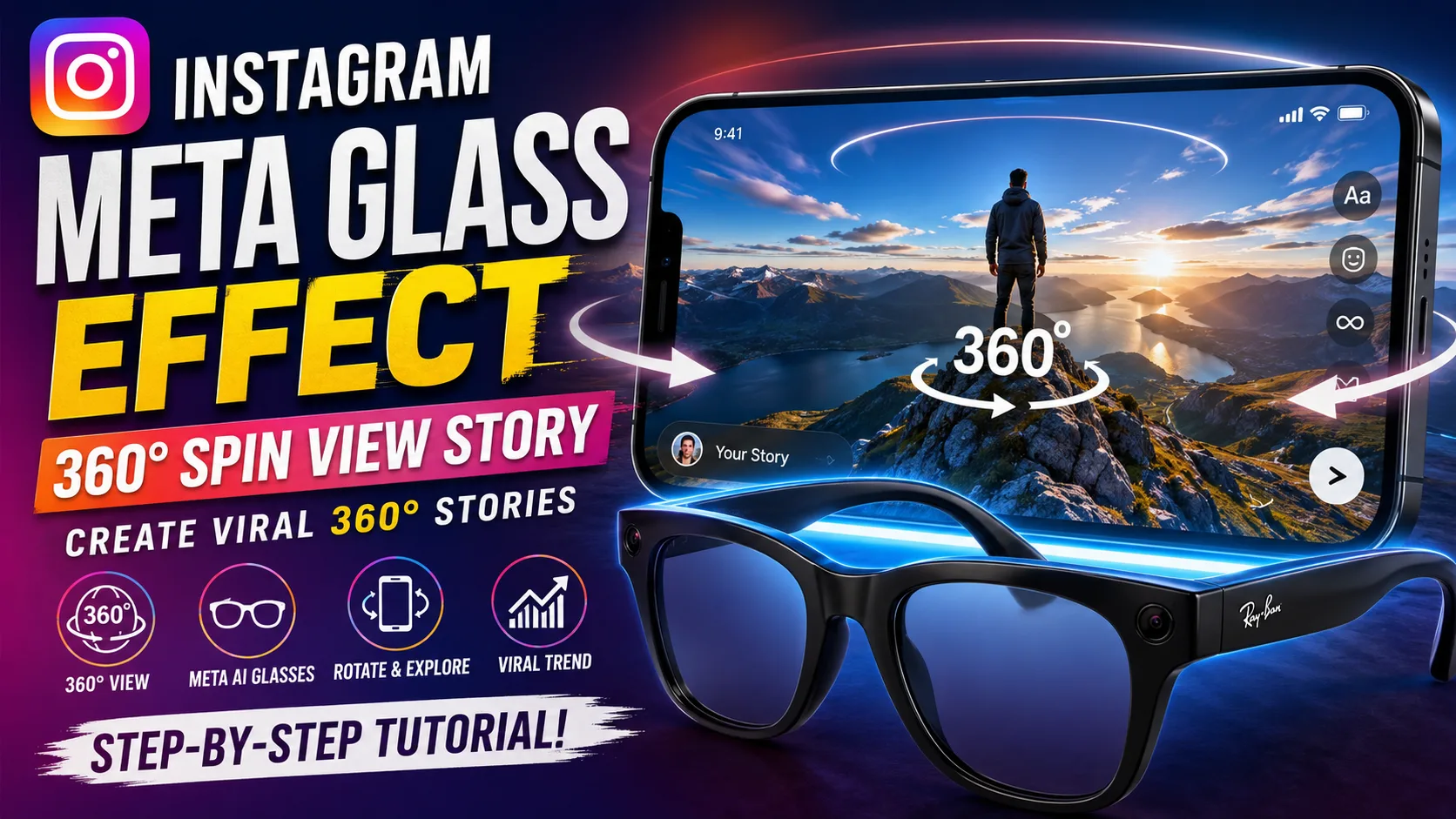
The Instagram Meta Glass Effect generally refers to the new visual and interactive Story formats associated with Meta AI-powered glasses.
One of the most interesting features is Spin View, an Instagram Story format designed to provide a panoramic and interactive viewing experience. Instead of forcing viewers to watch the video from one fixed angle, Spin View allows them to explore the scene by moving or rotating their phone.
Instagram introduced Spin View alongside other Story features for Meta AI glasses, including Multi-Cam and new editing options. These tools are designed to make first-person and immersive content easier to create and share.
This is particularly interesting because it changes the way people experience Instagram Stories.
A normal Story says:
“Watch what I recorded.”
A 360° interactive Story says:
“Look around and explore what I recorded.”
That small difference creates a much more engaging viewing experience.
Why Is the 360° Instagram Story Effect Trending?
There are several reasons why this type of content is attracting attention.
1. It Is Different From Normal Stories
Instagram users see thousands of vertical videos every day. A standard photo or Reel can easily blend into the feed.
The Spin View format feels different because the viewer has to interact with the Story. Instead of passively watching, they can move their phone and explore the environment.
That interactive element immediately makes the content more interesting.
2. It Creates an Immersive Experience
The biggest advantage of the 360° effect is immersion.
Imagine recording a beautiful location, a concert, a wedding, a temple, a street, or a travel destination. With a conventional video, you can show only the direction in which the camera is pointing.
With an immersive format, viewers can experience a much wider perspective.
This makes the effect especially useful for:
- Travel Stories
- Nature videos
- Temple and historical locations
- Weddings and events
- Concerts
- POV videos
- Car and bike content
- Fashion shoots
- Behind-the-scenes videos
- Real-estate tours
- Adventure content
3. It Encourages Interaction
Engagement is extremely important on social media.
When viewers have to physically move their phone to explore the scene, they spend more time interacting with the Story.
That makes interactive formats particularly interesting for creators who want their Stories to feel less passive and more experiential.
4. Meta Is Investing Heavily in AI-Powered Wearables
Meta is expanding its AI glasses ecosystem and adding more ways for users to capture and share content.
Meta says its AI glasses can capture photos and videos hands-free, and the company has been adding new software capabilities to make the devices more useful for everyday content creation.
Instagram’s addition of Spin View and Multi-Cam is another example of how wearable cameras can influence social media content formats.
What Is Instagram Spin View?
Spin View is an interactive Instagram Story format that gives viewers a panoramic-style perspective.
When watching compatible Spin View content, viewers can move or rotate their phone to change the perspective.
This makes the Story feel similar to looking around a 360-degree environment.
According to reports about Instagram’s update, Spin View was introduced specifically for content captured with Meta AI glasses, including Ray-Ban Meta, Oakley Meta and Meta Glasses.
The feature is particularly useful for POV content because Meta AI glasses can capture what the wearer sees without requiring them to hold a smartphone.
How to Create the Instagram 360° Spin View Story
Creating this type of content starts with compatible Meta AI glasses and Instagram’s supported Story workflow.
Step 1: Capture Your Footage
Start by recording your scene using compatible Meta AI glasses.
Because the camera is mounted on the glasses, you can capture footage naturally from your point of view without holding your phone.
Try to record scenes with interesting surroundings.
For example:
- Walk through a beautiful location.
- Capture a panoramic landscape.
- Record a busy street.
- Walk around a temple or monument.
- Capture a concert or event.
- Record a travel experience.
The more interesting the surroundings are, the more useful the interactive effect becomes.

Step 2: Open Instagram
Open the Instagram app on your smartphone and begin creating a new Story.
Select the footage captured with your Meta AI glasses from your gallery.
Compatible glasses footage can provide access to the additional glasses-related Story tools.
Step 3: Open the Glasses Editing Options
After selecting the footage, enter Instagram’s Story editing screen.
Look for the glasses-related editing option available for compatible footage.
From there, Instagram can provide access to the new Story formats and editing tools.
Step 4: Select Spin View
Choose Spin View when the option is available.
Instagram processes the compatible footage into the interactive Story format.
The important difference is that you are not simply adding a traditional visual filter. Spin View changes how the viewer experiences the Story.
Step 5: Adjust Your Story
Before publishing, use Instagram’s editing tools to improve the Story.
You can add:
- Text
- Music
- Stickers
- GIFs
- Captions
- Location tags
- Mentions
- Other available Story elements
Instagram has also introduced editing controls for compatible glasses content, including options related to framing, playback speed and audio.
Step 6: Publish Your Story
Once you are happy with the result, share it to your Instagram Story.
Encourage viewers to interact with it.
For example, you can add a simple text instruction such as:
“Move your phone around 👀”
or
“Turn your phone and look around!”
This helps viewers immediately understand that the Story is interactive.
Tips to Make Your 360° Story Look Better
Creating the effect is only part of the process. Your original footage also matters.
Use Good Lighting
Shoot during daylight or in well-lit environments whenever possible.
Good lighting helps maintain clarity and detail throughout the scene.
Keep Your Head Movements Smooth
Because the camera is attached to the glasses, sudden head movements can make the footage feel uncomfortable.
Try to move naturally and slowly.
Choose Interesting Locations
A 360° experience works best when there is something interesting in multiple directions.
Instead of pointing yourself at a blank wall, choose locations with details around you.
For example, a temple entrance, mountain viewpoint, city street or event venue can create a much better interactive experience.
Avoid Extremely Fast Movement
Fast walking, running and sudden camera movements can reduce the quality of the immersive experience.
Slow and controlled movement usually produces a more polished result.
Add a Clear Call to Action
Many viewers may not immediately realize that they can move their phone.
Use text such as:
“Rotate your phone 🔄”
“Look around 👀”
“Try this in 360°!”
This simple instruction can increase interaction.
Instagram Spin View vs Normal Instagram Story
The biggest difference is viewer interaction.
| Feature | Normal Story | 360° Spin View |
|---|---|---|
| Viewing | Fixed perspective | Interactive perspective |
| Viewer interaction | Low | Higher |
| Experience | Traditional | Immersive |
| Best for | Photos and videos | POV and panoramic content |
| Camera movement | Standard | Designed for immersive viewing |
| Engagement potential | Normal | More interactive |
The goal isn’t necessarily to replace traditional Stories. Instead, Spin View provides another creative format for situations where showing the surroundings adds value.
What Is Multi-Cam on Instagram?
Instagram also introduced Multi-Cam, another Story feature connected with Meta AI glasses.

The idea is to combine footage captured from different cameras, such as smartphone footage and Meta AI glasses footage, into a single Story experience.
This opens up interesting possibilities for creators.
For example, imagine recording a wedding with your smartphone while simultaneously capturing a first-person perspective through Meta AI glasses.
You could potentially combine both viewpoints to create a more dynamic Story.
Instagram’s new glasses-related tools are therefore not just about one visual effect. They represent a broader move toward first-person, multi-angle and immersive social media storytelling.
Can You Create This Effect Without Meta AI Glasses?
This is an important question.
The official Spin View experience is designed around compatible Meta AI glasses footage, so users should not assume that every normal smartphone video will automatically receive the same functionality.
However, creators can experiment with similar visual concepts using 360° cameras, panoramic footage, AI editing tools and video editors.
These methods can create an illusion of a 360° or rotating experience, but they are not necessarily the same as Instagram’s native Spin View feature.
That distinction is important when creating tutorials because third-party editing effects and Instagram’s native features should not be presented as identical.
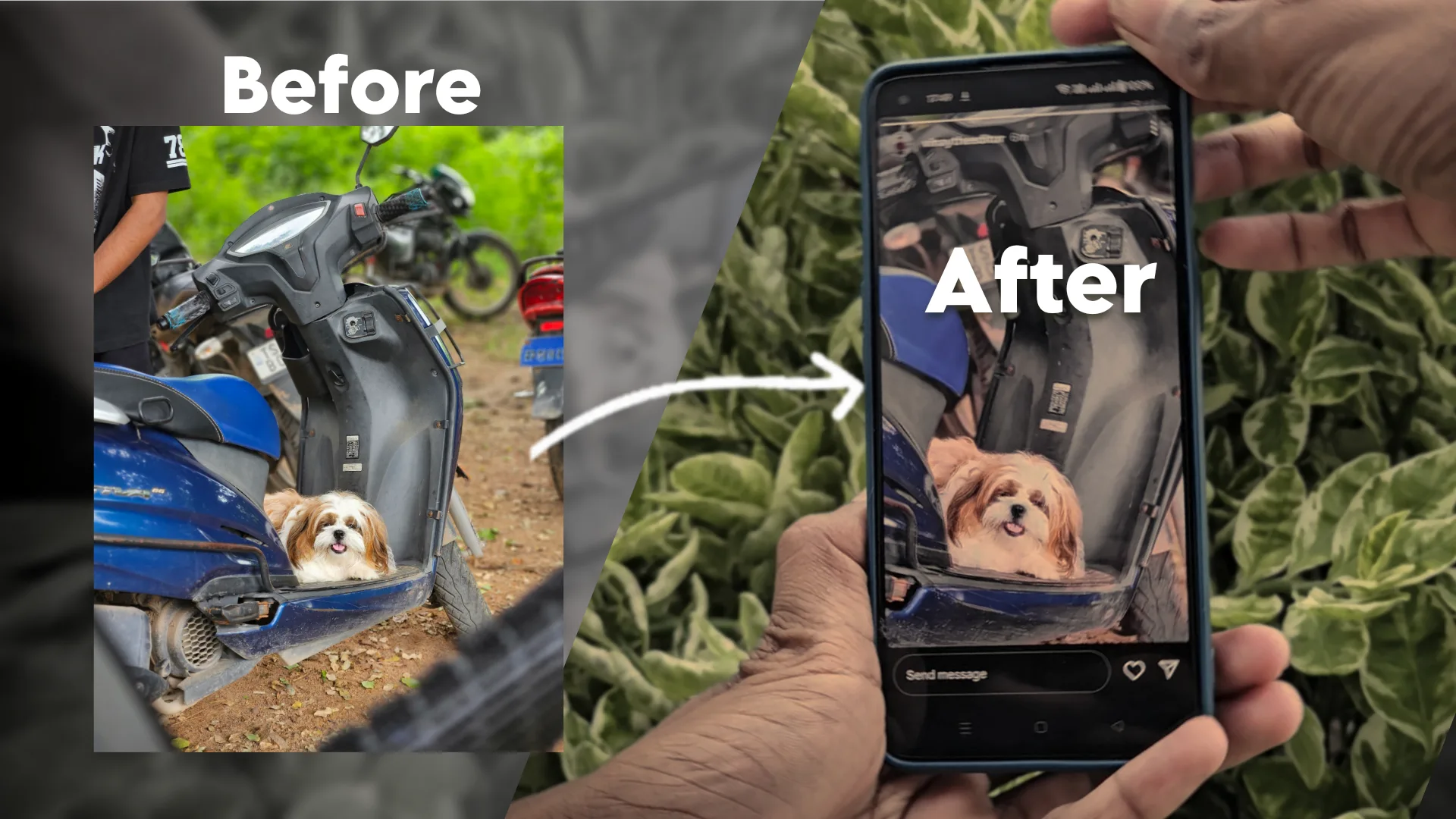
Why This Trend Could Become Bigger
The rise of interactive Stories reflects a larger change in social media.
For years, social platforms focused mainly on vertical videos and short-form content. Now platforms are experimenting with ways to make content more interactive.
AI-powered glasses are particularly interesting because they change how content is captured.
Instead of taking out your phone, opening the camera and framing a shot, wearable cameras can capture moments from your natural point of view.
Meta is continuing to develop this ecosystem, including AI features, hands-free photography and video, and new ways to share content.
As wearable technology becomes more common, we may see more social media formats built specifically around first-person and immersive footage.
Final Thoughts
The Instagram Meta Glass Effect and 360° Spin View trend show how quickly social media content is moving beyond traditional photos and videos.
The biggest attraction is simple: viewers become part of the experience.
Instead of simply watching a Story, they can interact with the environment and explore the scene themselves.
For creators, this creates a new opportunity to experiment with travel content, POV videos, events, locations, lifestyle content and behind-the-scenes footage.
If you have compatible Meta AI glasses, experimenting with Spin View can be a great way to make your Instagram Stories stand out. And even if you don’t have the glasses, understanding the trend can help you explore similar immersive video concepts using 360° cameras and creative editing tools.
As Instagram continues to experiment with interactive formats and Meta continues expanding its AI glasses ecosystem, 360° Stories could become an important part of the next generation of social media storytelling.
So, if your Instagram feed is filled with Stories where people are rotating their phones and looking around the scene, now you know what’s behind the trend: Instagram’s immersive Spin View format powered by Meta’s AI glasses ecosystem.