Wink App Review: Everything You Need to Know
Artificial Intelligence has completely changed the way we edit photos and videos. Today, you no longer need expensive software like Photoshop or Premiere Pro to create professional-quality content. With just a smartphone, AI-powered editing apps can enhance faces, remove blur, improve video quality, and even create stunning portraits in seconds.
One such popular application is the Wink App. Over the past few years, it has gained millions of downloads thanks to its easy-to-use interface and powerful AI editing tools. Whether you’re a content creator, Instagram influencer, YouTuber, or simply someone who loves editing photos, the Wink App offers a variety of features that can save both time and effort.
In this article, we’ll explore everything about the Wink App, including its features, benefits, drawbacks, pricing, and whether it’s worth using in 2026.
What is Wink App?
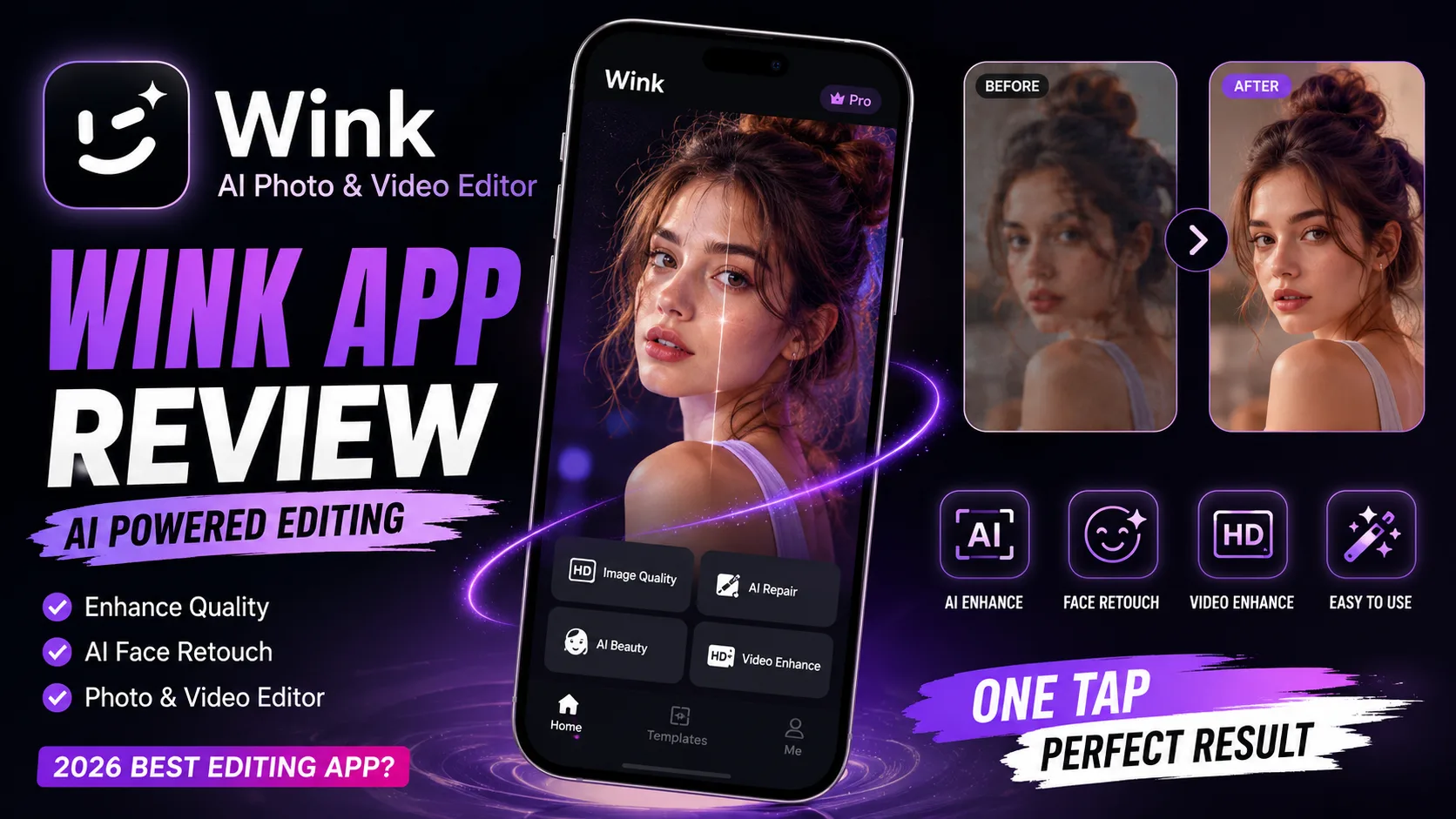
Wink App is an AI-powered photo and video editing application developed to help users improve the quality of their images and videos with minimal effort. Instead of manually adjusting every setting, the app uses artificial intelligence to detect faces, enhance details, sharpen blurry images, improve lighting, and upscale video resolution.
The app is available for both Android and iOS devices and is especially popular among social media creators who regularly upload content to Instagram, TikTok, Facebook, and YouTube Shorts.
Key Features of Wink App
1. AI Photo Enhancement
One of the most impressive features is AI Photo Enhancement.
With just one tap, the app automatically improves:
Image sharpness
Facial details
Skin texture
Lighting
Contrast
Colors
Even old or low-quality photos can look much clearer after enhancement.
2. AI Video Enhancement
Video quality is equally important for creators.
Wink App can enhance:
Blurry videos
Low-resolution clips
Dark footage
Soft facial details
The AI restores lost details while maintaining natural-looking results.
3. Portrait Beautification
For selfies and portraits, the app offers AI beauty tools such as:
Skin smoothing
Face brightening
Teeth whitening
Eye enhancement
Face refinement
The adjustments are subtle enough to keep the photo looking realistic.
4. AI Face Restoration
If you have old family photos or compressed social media images, Wink App can reconstruct facial details using AI.
This feature is useful for restoring memories without requiring advanced editing skills.
5. Background Enhancement
The application also improves background quality by increasing clarity and balancing colors.
Instead of making only the subject look better, the entire image receives a more polished appearance.
6. One-Tap Editing
Perhaps the biggest advantage is simplicity.

Most edits require only a single tap.
This makes Wink App perfect for beginners who don’t want to spend hours learning professional editing software.
User Interface
The interface is clean and beginner-friendly.
Navigation is straightforward, and most AI tools are clearly labeled.
Even first-time users can understand the workflow within minutes.
The editing process generally involves:
Import a photo or video
Select an AI enhancement tool
Wait for processing
Save the final result
No complicated settings are required.
Performance
Performance depends on your device and internet connection.
On modern smartphones, AI processing is usually fast.
Small images are enhanced within seconds, while longer videos may take a little more time depending on their length and resolution.
Overall, the app performs smoothly without major issues.
Pros of Wink App
The biggest strengths of Wink App include:
Beginner-friendly interface
Excellent AI photo enhancement
High-quality video enhancement
Fast processing
Natural-looking results
Regular feature updates
Supports Android and iPhone
Great for social media creators
Cons of Wink App
Although the app is impressive, it also has a few limitations.
Some premium AI tools require a paid subscription.
Free users may encounter advertisements and export restrictions.
Processing very large videos can also take additional time depending on the device.
Who Should Use Wink App?
Wink App is ideal for:
Instagram creators
YouTubers
TikTok creators
Travel bloggers
Photography enthusiasts
Students
Small business owners
Social media marketers
Anyone who wants quick AI editing

If your goal is creating professional-looking content without spending hours editing, Wink App is an excellent choice.
Wink App Free vs Premium
The free version includes several useful editing features.
However, the premium version unlocks advanced AI capabilities such as:
Higher export quality
Faster processing
Premium AI filters
Additional enhancement tools
Watermark removal (where applicable)
More editing options
For casual users, the free version is often enough.
Professional creators may benefit from the premium plan.
Is Wink App Safe?
Wink App is widely used by millions of users worldwide.
Like most editing apps, it requests permissions such as access to your gallery or camera to edit your content.
It’s always a good idea to review the permissions and privacy policy before uploading sensitive personal images.
Final Verdict
Wink App has become one of the most convenient AI editing applications available today. Its ability to enhance both photos and videos using artificial intelligence makes it a valuable tool for beginners and experienced creators alike.
The simple interface, powerful AI enhancement, and quick processing make it especially useful for anyone creating content for Instagram, YouTube, TikTok, or other social media platforms.
While some advanced features require a premium subscription, the free version still provides plenty of functionality for everyday editing needs.
If you’re looking for an AI-powered editing app that delivers professional-looking results with minimal effort, Wink App is definitely worth trying in 2026.