CapCut Sky Replacement Editing
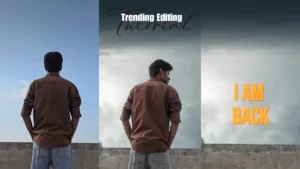
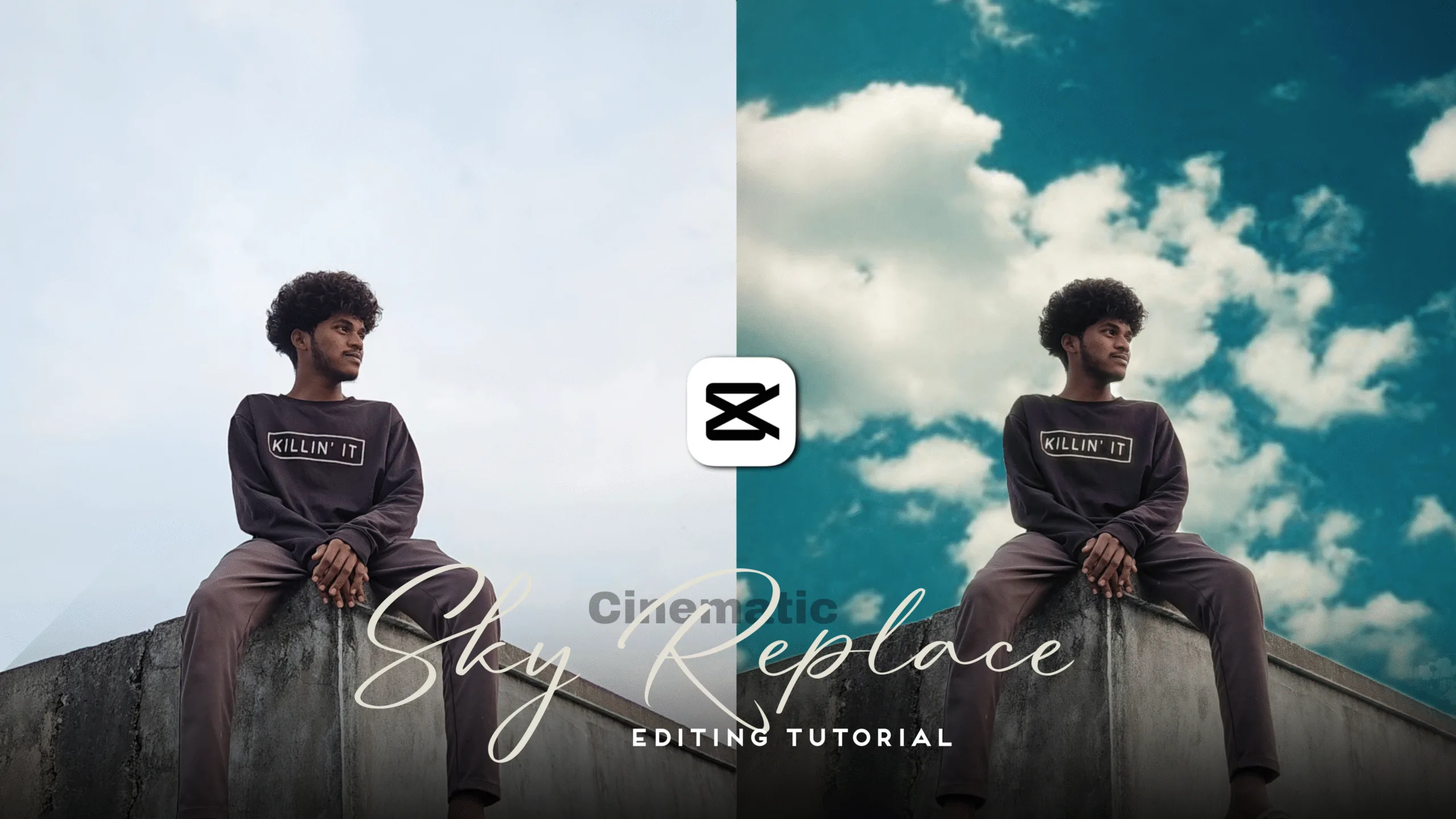
Sky replacement edits have become one of the biggest trends on social media platforms like Instagram Reels, YouTube Shorts, and TikTok. Many creators are transforming normal outdoor photos and videos into stunning cinematic visuals by simply replacing the sky. The best part is — you don’t need Photoshop or a PC. You can replace the sky using just the CapCut mobile app.
This complete guide will explain how to do sky replacement in CapCut, the best professional settings, where to download assets, how to avoid common mistakes, and how to export videos without losing quality.
⭐ Why Sky Replacement Editing Is Trending
Sky replacement dramatically improves photos and videos. Even the simplest outdoor image becomes immediately cinematic when a dynamic sky is added.
Benefits of sky replacement editing:
- Adds a dramatic & cinematic look
- Creates sunset, cloudy, or stormy mood
- Improves emotional connection in travel & outdoor shots
- Increases chances of viral reach on social media
This is why CapCut sky replacement edits are trending rapidly.
🎯 What You Need for Sky Replacement Editing in CapCut
To get started:
✔ Latest CapCut version
✔ Sky overlay video (Sunset / Cloudy / Storm / Lightning)
✔ Raw photo or video with visible sky
✔ Basic understanding of Mask + Blend tools
🔥 How to Do Sky Replacement in CapCut — Full Tutorial
Step 1: Import Your Base Image / Video
- Open CapCut → New Project
- Add your photo or video as background
Step 2: Add the Sky Overlay
- Go to Overlay → Add Overlay
- Select a sky/cloud video
- Stretch the overlay to cover the full frame
Step 3: Apply Masking
- Tap the sky overlay → Mask
- Choose Linear / Circle / Split / Rectangle (Linear works best in most cases)
- Adjust the mask around the building or subject area
- Increase Feather (50–80%) to blend the sky naturally
Step 4: Use Best Blend Mode Settings
- Select overlay → Blend → Screen / Overlay / Lighten
- For sunset & lightning skies → Overlay
- For cloudy blue skies → Screen
Choosing the right blend mode makes the sky look natural, not pasted.
Step 5: Match Colors for Realistic Results
To make the sky and subject match:
- Increase Contrast for drama
- Reduce Highlights
- Lift Shadows
- Adjust Temperature:
- Warm sunset → temperature +
- Stormy / cloudy → temperature −
- Reduce Saturation slightly to get a cinematic feel
Step 6: Add Motion to Avoid a Fake Look
A sky that doesn’t move looks unrealistic. Add motion:
- Speed → Keep normal
- Animation → Fade in/out
- Use Keyframes → Slight left/right movement
- Add Motion Blur to the bottom area for depth
Step 7: Export Without Losing Quality
For social media:
| Setting | Value |
|---|---|
| Resolution | 1080p |
| Frame Rate | 60 FPS |
| Bitrate | 20 Mbps+ |
| HDR | Optional but recommended |
🧠 Pro Tips to Make Sky Replacement Edits Go Viral
| Technique | Result |
|---|---|
| Night sky + stars | Magical cinematic atmosphere |
| Sunset sky + orange teal grading | Emotional, dramatic look |
| Storm clouds + lightning | Aggressive, powerful style |
| Blue sky + birds | Travel vlog style |
| Add dust / fog overlays | Extra depth & realism |
⚠️ Common Mistakes to Avoid
Many beginners make these mistakes which destroy realism:
❌ Overlay too bright
❌ Mask line clearly visible
❌ Background still + sky moving too fast
❌ Wrong blend mode
❌ Excess saturation / contrast

Always aim for a subtle, realistic cinematic style.
📌 Best Websites to Download Sky Overlays
You can get high-quality sky overlays for free from:
✔ Pixabay
✔ Pexels
✔ YouTube green-screen skies
✔ Google Drive sky overlay packs

💬 Conclusion
Sky replacement editing is one of the fastest ways to make photos and videos look cinematic. When masking, blending, color grading, and motion are balanced correctly, a simple image turns into a dramatic viral masterpiece. Follow the steps in this guide and post regularly — your reach and engagement will increase automatically.
CapCut Sky Replacement Editing CapCut Sky Replacement Editing CapCut Sky Replacement Editing CapCut Sky Replacement Editing CapCut Sky Replacement Editing