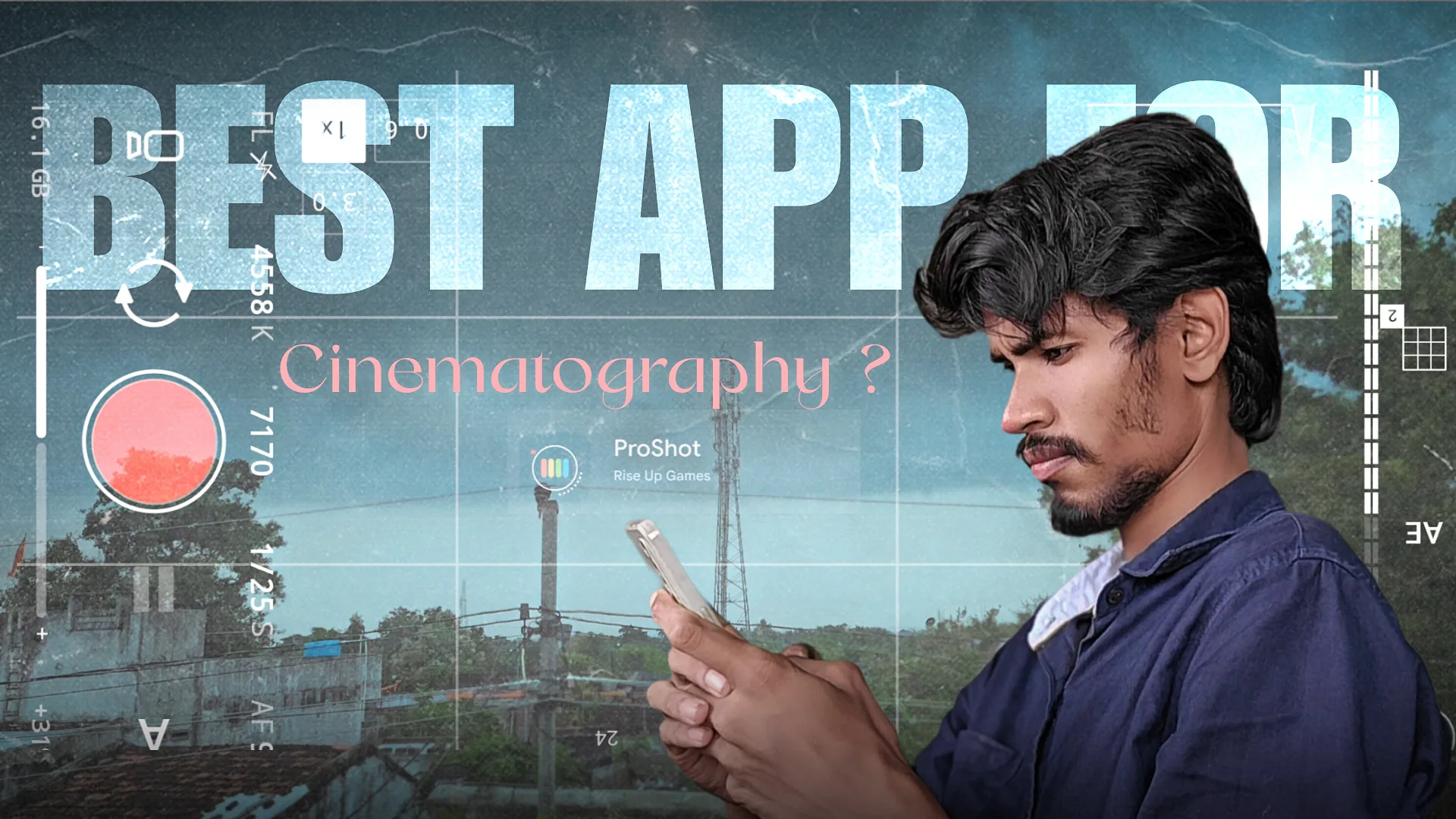
ProShot Camera App Review: A Powerful Tool for Mobile Photography and Cinematography
Smartphone cameras have evolved dramatically over the last few years. However, most default camera apps still limit creative freedom. If you are serious about mobile photography and cinematography, the ProShot Camera App offers professional-level manual controls that can transform your smartphone into a powerful creative tool.
Whether you are a photographer, video editor, filmmaker, or social media content creator, ProShot provides the flexibility needed for cinematic visuals and high-quality images.
What is ProShot Camera App?
The ProShot Camera App is a professional manual camera application designed for users who want DSLR-style controls on their smartphones. Instead of relying on artificial intelligence and auto adjustments, ProShot allows complete manual control over exposure, focus, ISO, shutter speed, and white balance.
This makes it especially useful for:
- Professional photography
- Mobile cinematography
- Short film production
- YouTube video creation
- Instagram cinematic reels
Why ProShot is Ideal for Mobile Cinematography
Cinematography is not just about recording video — it’s about controlling light, motion, exposure, and color to tell a story visually.
Most stock camera apps:
- Automatically adjust exposure
- Change brightness mid-shot
- Add artificial sharpening
- Reduce manual flexibility
For cinematic video shooting, these automatic adjustments can ruin the look.
ProShot solves this problem by giving manual video control.
With ProShot, you can:
- Lock exposure
- Manually control shutter speed
- Adjust ISO for low light scenes
- Set white balance for consistent color tones
- Control frame rate for cinematic motion
For example, if you follow the 180-degree shutter rule in cinematography (shutter speed double the frame rate), ProShot allows you to manually maintain that setting. This creates natural motion blur — a key cinematic element.
Full Manual Controls for Creative Freedom
The core strength of ProShot Camera App lies in its full manual control system.
You can manually adjust:
- ISO
- Shutter speed
- Focus
- White balance
- Exposure compensation
This is essential for:
- Night photography
- Golden hour cinematic shots
- Indoor low-light video
- Dramatic shadow lighting
- Long exposure photography
For cinematographers, controlling light manually ensures consistent tone across shots.
RAW Photography for Professional Editing
If your device supports Camera2 API, ProShot allows RAW (DNG) image capture.
RAW files are crucial for professional editing because:
- They retain more image data
- Offer better highlight recovery
- Allow advanced color grading
- Improve shadow detail
For creators who use Lightroom, Photoshop, or advanced mobile editing apps, RAW photography makes a massive difference in output quality.
Advanced Video Recording Features
ProShot stands out in mobile cinematography because of its video-focused features.
It supports:
- 4K recording (device dependent)
- Adjustable bitrate
- Multiple frame rates (24fps, 30fps, 60fps etc.)
- Manual focus during video
- Exposure lock
- Custom video profiles
24fps recording is particularly important for cinematic projects because it gives that classic film-like motion.
Manual focus during video also allows creative focus pulls — a popular cinematography technique.
Long Exposure and Creative Effects
ProShot includes long exposure capabilities that allow you to capture:
- Light trails
- Smooth flowing water
- Night city scenes
- Motion blur effects
Instead of AI simulation, you get real exposure-based results, which look more authentic and professional.
This feature is useful for both photography and experimental cinematic shots.
Custom Shooting Modes
ProShot allows users to create custom presets.
For example:
- Cinematic video preset (24fps, manual shutter, locked white balance)
- Night photography preset
- Outdoor daylight preset
- Portrait preset
This improves workflow efficiency, especially for content creators who shoot frequently.
User Interface and Experience
The interface feels professional and clean.
It resembles DSLR-style controls rather than a casual camera app. Buttons are customizable and settings are accessible quickly.
For cinematography projects, speed and control are essential. ProShot minimizes lag and offers responsive performance on supported devices.
Benefits for Content Creators and Filmmakers
If you create:
- Instagram Reels
- YouTube videos
- Short films
- Travel vlogs
- Product cinematography
ProShot gives you more control over visual storytelling.
Better manual footage means:
- More consistent color grading
- Less overexposed highlights
- Controlled shadow details
- Professional cinematic tone
When combined with good editing and LUTs, footage shot in ProShot can look significantly more cinematic than stock camera footage.
Pros of ProShot Camera App
- Full manual photography control
- Excellent for mobile cinematography
- RAW image support
- 4K video recording
- Adjustable frame rates
- Exposure lock and manual focus
- Long exposure mode
Cons of ProShot Camera App
- Learning curve for beginners
- Not fully automatic-friendly
- Performance depends on device hardware
If you are new to manual settings, you may need some time to understand exposure control and cinematic settings.
Who Should Use ProShot?
ProShot is ideal for:

- Mobile filmmakers
- Cinematography enthusiasts
- Photography students
- YouTube creators
- Instagram reel creators
- Professional photo editors
If you want full creative control instead of AI-dominated processing, ProShot is a strong choice.
Final Verdict
The ProShot Camera App is more than just a camera application. It is a professional tool designed for creators who care about quality.
For photography lovers, it provides manual control and RAW flexibility.
For cinematography enthusiasts, it delivers frame rate control, exposure locking, and cinematic shooting capability.
If you are serious about mobile photography and cinematography, ProShot is definitely worth trying.
ProShot Camera App Review ProShot Camera App Review ProShot Camera App Review ProShot Camera App Review ProShot Camera App Review ProShot Camera App Review ProShot Camera App Review ProShot Camera App ReviewProShot Camera App Review